
Best Setup for Online Dictation Practice: Headphones, Keyboard and Workspace
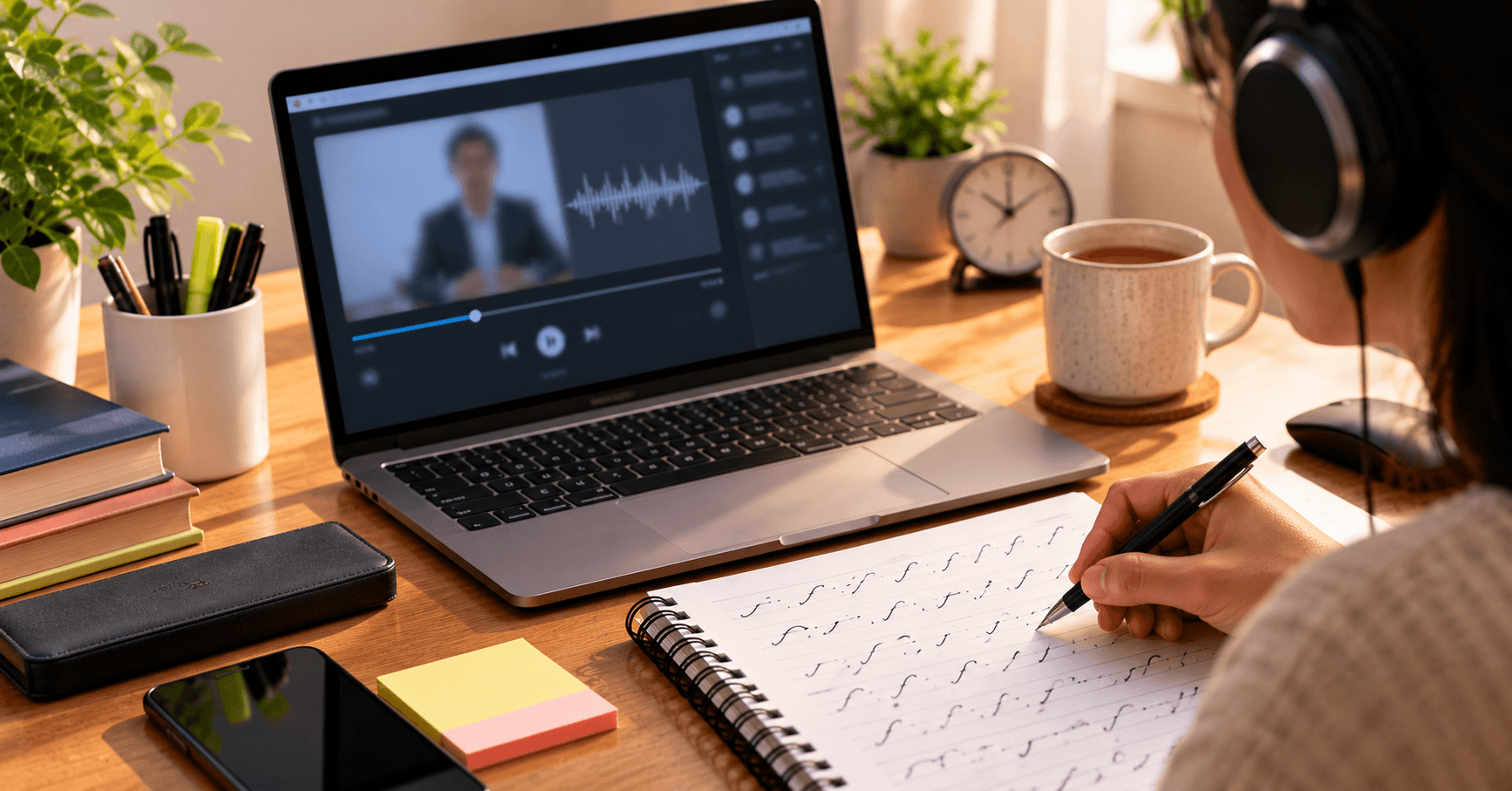
A good dictation setup needs just four things: comfortable wired or well-fitted headphones, a physical keyboard, a quiet room and a stable internet connection. Get these right and you remove the most common reasons for bad practice sessions.
Key takeaways
- Use headphones so you hear every word clearly.
- Use a physical keyboard to match the real exam.
- Choose a quiet, well-lit space.
- Check your internet before a timed test.
Headphones
Choose headphones that are comfortable for long sessions and give clear sound. Over-ear headphones usually block more background noise. Test the volume before you begin so you do not adjust it mid-dictation.
Keyboard
Practice on a physical keyboard, preferably one similar to what you will use in the exam. A laptop keyboard works, but an external keyboard is easier on your wrists for long transcription sessions.
Workspace and posture
- Sit with your back supported and feet flat on the floor.
- Keep the screen at eye level.
- Place your notebook where you can write without twisting.
- Keep your wrists relaxed and take short breaks.
Internet and device checks
Audio that stutters ruins a timed test. Close other apps and downloads, and keep the device plugged in or fully charged. Run a short practice dictation first to check everything works.
Setup checklist
| Item | Check |
|---|---|
| Headphones | Clear sound, comfortable fit |
| Keyboard | Physical, working keys |
| Notebook and pen | Ready, extra pen |
| Internet | Stable connection |
| Room | Quiet, no interruptions |
Ready to put this into practice? Browse the dictation catalog, pick a speed that fits your level, and get an instant mistake breakdown after every attempt. Create a free account to save your progress.
Frequently asked questions
Do I need expensive headphones?
No. Any comfortable headphones with clear sound are enough.
Can I practice on my phone?
Phones are fine for reading, but use a laptop or desktop with a physical keyboard for transcription practice.
What if my internet is slow?
Load the dictation fully before starting and avoid other downloads while you practice.
Is a quiet room really necessary?
Yes. Noise makes it harder to catch words and does not match exam conditions.
How do I avoid wrist pain?
Keep your wrists relaxed, adjust your seating and take short breaks.